Audible's website download button is gone: what US buyers can still do with their audiobooks
- Audible's US website no longer lets buyers download audiobook files. Its help page dropped the steps between April and July 2026.
- Audible did not announce it; only a help page shows it. App downloads, Cloud Player, a separate Mac route and Windows AudibleSync still work.
- Good e-Reader reported it in August; the Consumer Rights Wiki wrote it up this week. Other countries are unconfirmed.
- 7 Apr 2026Last help version with website steps
- 24 Jul 2026First help version without website steps
- 1 at a timeAudibleSync has no bulk download
- Win 10/11Only systems AudibleSync supports
For years, a Library page on Audible’s website offered a simple button: Download. Press it and an audiobook file landed on your computer. On the US site, that button is gone. If you went looking for it recently and found the Audible download button missing, you are not imagining it.
This is not a story from today. Archived copies of Audible’s help page show the steps on 7 April 2026 and not on 24 July. Good e-Reader reported the change on 11 August. It is in the spotlight this week because the Consumer Rights Wiki wrote it up and Hacker News readers picked it up. Audible has made no announcement.
Audible download button missing: what the help page now says
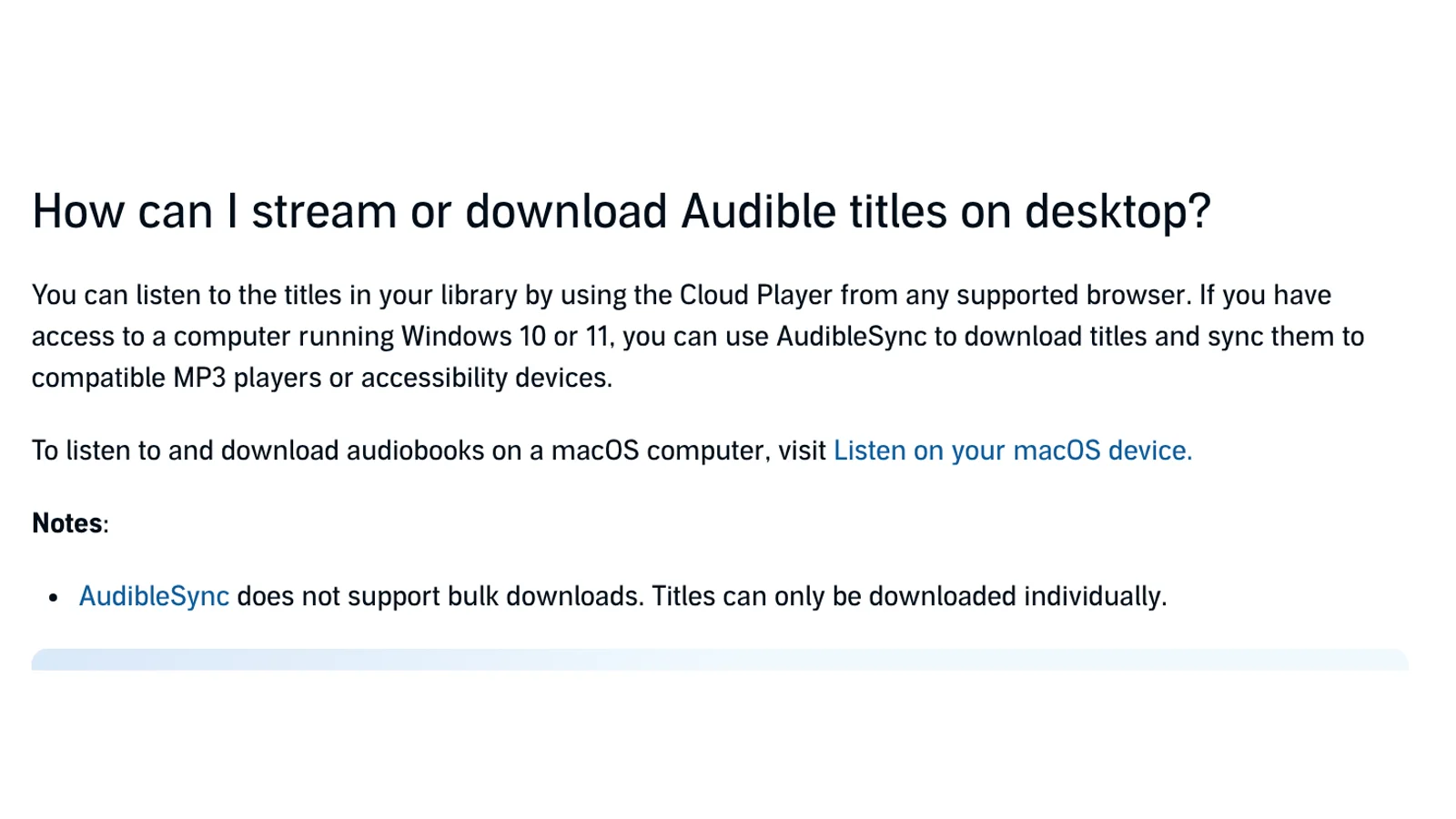
Audible’s current US help page says computer downloads now go through AudibleSync, and only for titles bought with a credit or credit card. For listening in a browser, it points to Cloud Player. Mac users are sent to a separate Mac page. The older version, kept in the Internet Archive, told people to open Library and select Download.

Audible’s “Download titles” help page, offline listening section, as published. Read it on Audible. Screenshot: Audible
We found no press release, newsroom post or spokesperson comment. Only the US website is confirmed. Good e-Reader said Canada still had the button “for now” in August. Other countries are reported only, so treat them as unverified.
Rumour: a Reddit thread claims Audible is removing the button one region at a time. We could not confirm this.
What still works, and the limits
- Phone and tablet apps: offline downloads are unchanged. Open Library, tap the three-dot menu, then Download.
- Cloud Player: listen in a browser, with internet.
- Mac: Audible’s help page sends Mac users to a separate macOS page.
- AudibleSync: for an Audible download on a PC, this Windows 10 and 11 app is the route. It downloads one title at a time, with no bulk option.
In practice, most casual listeners use the phone app and are unlikely to notice. The people affected are those who kept their library as files on a computer, often built over many years.
Why “yours to keep” is now a harder question
According to the Consumer Rights Wiki, Audible’s help pages say titles bought with a credit or credit card “are yours to keep”. The terms, updated on 2 November 2026, say you are purchasing a licence. The wiki reports that archived copies of older terms encouraged buyers to download promptly and said Audible “may continue” re-downloads without a guarantee, and that the new version drops those lines. We have not independently checked the older copies.
There is a precedent. Amazon ended the Kindle’s “Download & Transfer via USB” on 26 February 2025, as The Verge reported. In our reading, this suggests a wider shift away from files that buyers hold themselves.
If you own Audible books, a short checklist
- In the app, download the titles you care about while you can. This is allowed and works today.
- On Windows, try AudibleSync for the books you want on a computer or an MP3 player.
- Check your Library now, so any missing title is noticed early.
- For future purchases, DRM-free audiobook stores let you keep ordinary files. Check each store’s own terms first.
Rumour: some Hacker News commenters say purchased books vanished from their libraries; we have seen no evidence.
Avoid tools that strip protection. Audible’s terms forbid it.
A reasonable product choice, and a communication gap
On balance, there are fair reasons to focus on apps: they are simpler to support and easier to secure. Offline listening, which is what most people want, still works. But a quiet change to a feature people relied on, with no notice, is hard on trust. A short announcement would have cost Audible very little.
The likelier outcome is that most listeners never notice, while collectors quietly lose a backup route. We can’t say whether other countries will follow.
The useful habit is an old one, the same one Arc users needed when the Arc browser announced it was shutting down: if something matters to you, keep a copy you control. The next things to watch are whether Audible says anything publicly, and whether other countries lose the button too.
Prefer to watch? Follow us on YouTube
The tech stories that matter, explained in plain words. Subscribe so you never miss one.
Quick answers
Can I still download Audible books to my computer?
Yes, but not from the website. Windows 10 and 11 users can use AudibleSync, and Mac users are sent to a separate Audible help page for macOS. AudibleSync downloads one title at a time.
Can I download Audible books to MP3?
Audible offers no plain MP3 export. AudibleSync can sync titles to compatible MP3 players, according to Audible's help page.
Do you own Audible books forever?
Audible's terms say you buy a licence. According to the Consumer Rights Wiki, Audible's help pages say titles bought with a credit or credit card are "yours to keep".
Can I still listen offline on my phone?
Yes. In the Audible app, open your Library, tap the three-dot menu on a title and choose Download.
Words to know
- DRM
- Digital rights management: locks that limit how you can copy or play a file.
- Cloud Player
- Audible's browser player. It streams your book, so you need internet.
- AudibleSync
- Audible's Windows app for downloading titles and syncing them to compatible devices.
- Licence
- Permission to use something under set rules, which is not the same as owning it.
Sources (8): every key fact checked against at least two
- Audible Help: Download titles
- Audible Help: Download titles, 7 April 2026 version (Internet Archive)
- Audible Help: Listen with AudibleSync
- Audible Conditions of Use (updated 2 November 2026)
- Good e-Reader: Audible has removed the download button from their website (11 August 2026)
- Consumer Rights Wiki: Audible removes download option for purchased audiobooks
- Hacker News discussion
- The Verge: Amazon removes Kindle download and transfer via USB (2025)
Related stories
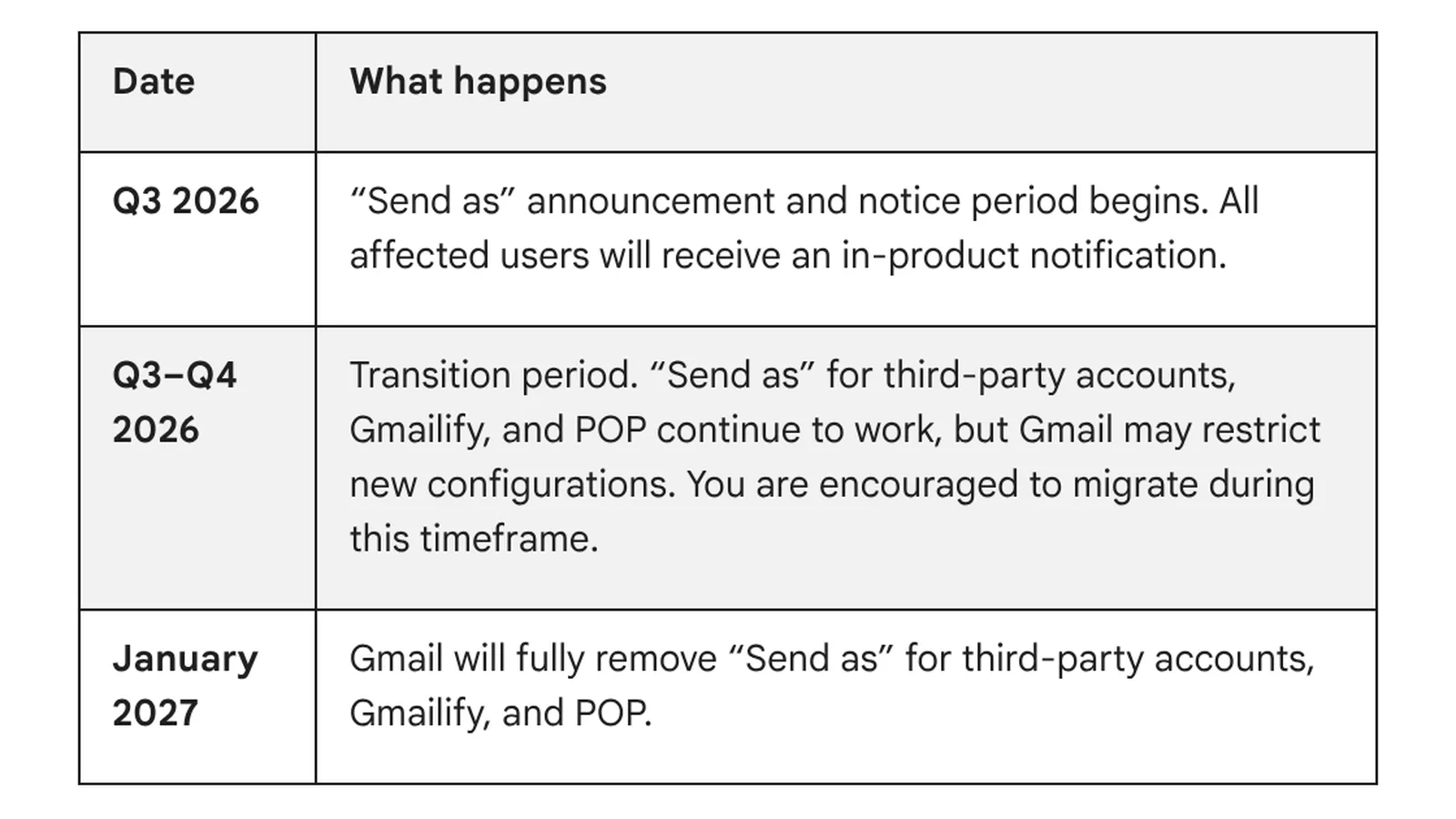
Gmail's Send as ends for Yahoo, Outlook and other outside addresses in January 2027: what to do now
Gmail send as ending: Google will stop Send as for Yahoo, Outlook and other non-Google addresses in January 2027. See what changes and what to do.
· 4 min read
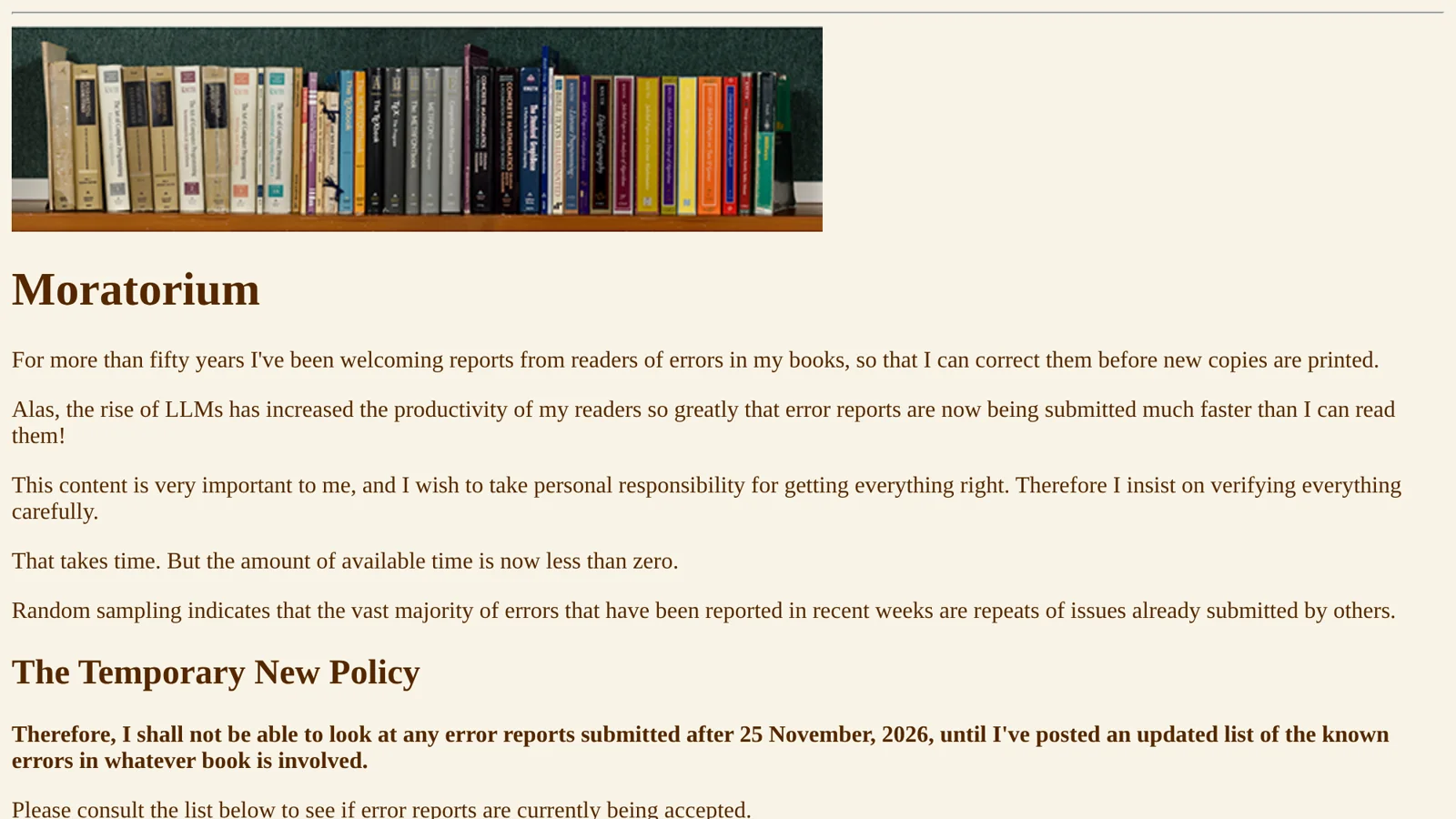
Donald Knuth stops reading new error reports for now, and his famous $2.56 reward check waits
Donald Knuth will not read new error reports sent after 25 Nov 2026 until he posts updated errata. The Knuth reward check is paused, not ended.
· 4 min read
Air Force Cloud One reportedly hacked: what we know, and what the Air Force won't say
Reuters reports hackers got into Air Force Cloud One, and a US official told NBC News the same. The Air Force will not comment. Here is what is known.
· 4 min read